
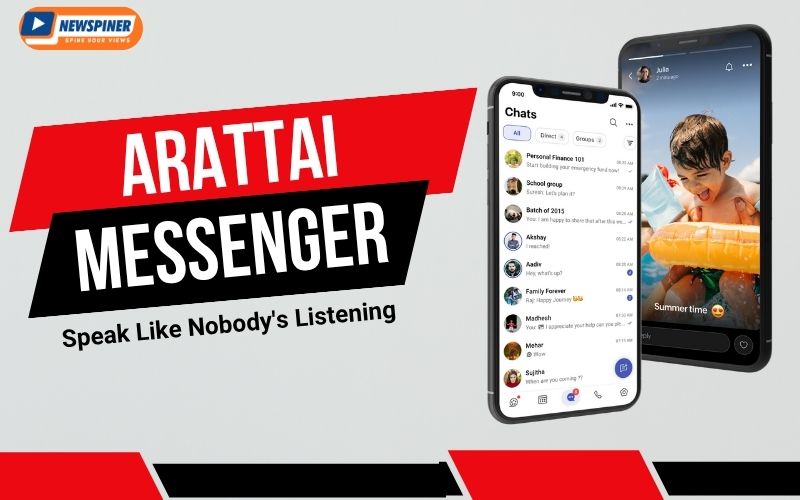
In the world of instant messaging, WhatsApp has been the global leader for over a decade. However, with increasing concerns about privacy and data sharing policies, users are actively exploring new and safe alternatives. One such rising star is Arattai Messenger, an Indian-made messaging app developed by Zoho Corporation. With millions of downloads, a 4.4-star rating on Google Play Store, and an impressive 5-star rating on the Apple App Store, Arattai is quickly becoming a preferred choice for those who want a secure and feature-rich chat application.
In this review, we will explore what Arattai is, its features, how it compares with WhatsApp, its pros and cons, and a guide on how to download it on Android, iOS, and PC.
What is Arattai Messenger?
The word “Arattai” comes from Tamil, which means “chat” or “conversation.” True to its name, the app provides a smooth and user-friendly experience for messaging, calls, and file sharing.
Developed by Zoho Corporation, a Chennai-based global tech company known for Zoho Mail and Zoho CRM, Arattai is designed to be a safe and privacy-focused Indian alternative to WhatsApp. The app promises that user data will remain within India and that it does not compromise security for advertisements.
| Detail | Information |
|---|---|
| App Name | Arattai Messenger |
| Developed By | Zoho Corporation (India) |
| Storage Size | ~35 MB (varies by device) |
| Android Version | Requires Android 6.0 & above |
| iOS Version | Requires iOS 12.0 & above |
| PC Availability | Available for Windows (32-bit & 64-bit), Mac (x64 & arm64), and Linux (Ubuntu, Fedora) via official download |
Key Features of Arattai Messenger
Here are some of the most popular features that make Arattai stand out:
-
End-to-End Encryption – Ensures secure communication, so your chats and calls remain private.
-
Group Chats – Create groups for family, friends, or work discussions with smooth message syncing.
-
Voice & Video Calls – High-quality calling feature, just like WhatsApp.
-
File Sharing – Share photos, documents, and videos with ease.
-
Status Updates – Share daily updates with your contacts, similar to WhatsApp Status.
-
Multi-Device Login – You can log in to the same account from multiple devices.
-
No Ads – Unlike many messaging apps, Arattai is free of annoying advertisements.
-
Data Storage in India – Ensures compliance with Indian privacy laws and adds extra trust.
Ratings & Popularity
-
Google Play Store: ⭐⭐⭐⭐✰ (4.4/5 from thousands of reviews)
-
Apple App Store: ⭐⭐⭐⭐⭐ (5/5 rating, excellent feedback from iOS users)
These ratings highlight the growing acceptance and trust among users.
Arattai vs WhatsApp – A Comparison
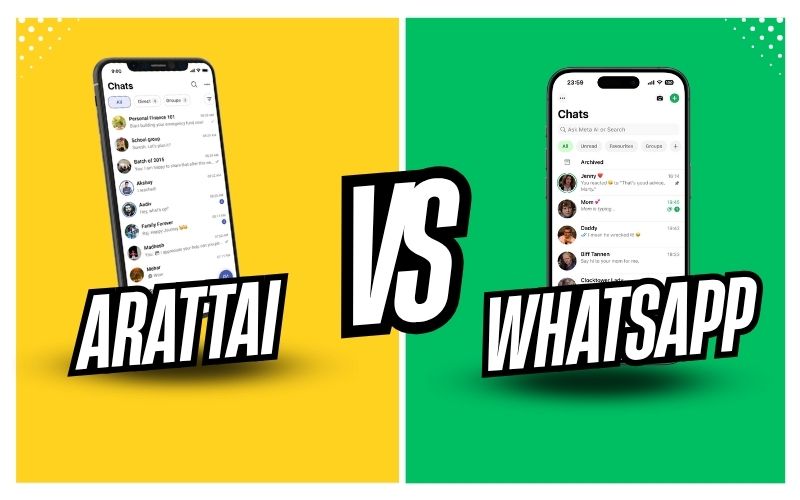
Below is a simple comparison table between Arattai Messenger and WhatsApp:
| Feature | Arattai Messenger | |
|---|---|---|
| Ownership | Zoho Corporation (India) | Meta (Facebook), USA |
| Data Privacy | Data stored in India | Data shared across Meta services |
| Ads | No Ads | No ads currently, but integrated with Meta services |
| Ratings | 4.4 on Play Store, 5 on iOS | 4.1 on Play Store, 4.5 on iOS |
| Group Limit | Supports large groups | Up to 1024 members |
| File Sharing Limit | Moderate (up to 100 MB approx.) | Up to 2 GB (recent update) |
| Multi-Device Support | Yes | Yes (recently introduced) |
| Popularity | Mostly Indian users | Global, 2B+ users |
Advantages of Arattai
- Indian-made and privacy-focused
- High ratings on both Android & iOS
- No ads or unnecessary distractions
- Simple and lightweight design
- Data stored securely within India
Limitations of Arattai
- Smaller user base compared to WhatsApp
- Limited advanced features like WhatsApp Pay
- File sharing size is lower than WhatsApp
- Not as widely adopted outside India
How to Download Arattai Messenger
1. For Android (Google Play Store)
-
Open Google Play Store
-
Search for “Arattai Messenger”
-
Click on Install
-
Verify using your mobile number and start chatting
2. For iOS (Apple App Store)
-
Open App Store on your iPhone
-
Search for “Arattai Messenger”
-
Download and install the app
-
Sign up with your number and enjoy chatting
3. For PC (Windows / Mac)
Arattai officially supports desktops and laptops:
-
Windows: Available in 32-bit, 64-bit, and via Microsoft Store
-
Mac: Available for both x64 and arm64 versions
-
Linux: Versions available for Ubuntu and Fedora
Visit the official Arattai Download Page to install the version that suits your device.
Overall Review
Arattai Messenger is a strong contender in the messaging app market, especially for Indian users who are looking for a trusted, privacy-friendly, and ad-free alternative to WhatsApp. While it lacks some advanced features and global reach, it excels in simplicity, security, and reliability.
With 4.4 stars on Play Store and a perfect 5-star rating on iOS, Arattai proves that it is more than just a backup app – it is a dependable platform that could grow into a major player in the coming years.
If you want to support an Indian-made, privacy-focused chat app, Arattai is definitely worth trying.
You Can Also Read: Wheon Cricket 07 Review
FAQs about Arattai Messenger
1. Is the Arattai app safe?
Ans: Yes, Arattai Messenger uses end-to-end encryption and stores all data in India, making it highly secure and safe to use.
2. What is Arattai Messenger?
Ans: Arattai Messenger is an Indian instant messaging app developed by Zoho Corporation, offering features like chats, calls, file sharing, and group discussions.
3. Who is the owner of the Arattai app?
Ans: Arattai is owned by Zoho Corporation, an Indian multinational technology company founded by Sridhar Vembu.
4. What is the meaning of Arattai?
Ans: The word “Arattai” comes from Tamil, which means “chat” or “conversation.”
5. Is Arattai better than WhatsApp?
Ans: Arattai is better in terms of privacy, no ads, and Indian data storage, while WhatsApp is ahead in global reach, advanced features, and payment integration. The choice depends on user preference.